How to improve transfer of learning and engagement in behavioural development sessions
Organisations invest heavily in development sessions to strengthen the communication, adaptability and resilience skills critical for sustained performance today.
At the same time, employees often enter sessions feeling time-constrained, cognitively overloaded and having to split their attention between being present in the room and juggling work pressures in the background.
When time is limited and pressure is high, even high-quality behavioural workshops and facilitation can fail to transfer learning back into the workplace and change behaviour.
So how can organisations ensure behavioural development cuts through distraction, engages people quickly, and translates into real world impact?
Why development workshops fail to change behaviour
Research on workplace learning What drives workplace learning: a systematic review of key antecedents consistently shows that facilitation that enables psychologically safe conversations and knowledge-sharing, is essential to deepen learning.
Yet many development workshops still rely heavily on PowerPoint slides.
As a facilitator, you’ve likely seen this play out. A session opens with well-structured slides around key learning points. Behavioural frameworks are explained clearly. People nod along, but the room goes quiet. Questions are slow and curiosity fades before discussions have begun.
The content is good, but valuable time is spent explaining behavioural concepts, leaving people in listening mode rather than actively exploring and discussing behaviour together.
The result is that although time is invested in delivering development workshops, behaviour change is slow and employee engagement remains low.
The challenge then is how do you enable meaningful conversations in workshops that make behavioural development practical and easy to apply in people’s day-to-day roles?
The power of interactive learning in organisational development
Interactive learning shifts development workshops from explanation to exploration. Instead of spending valuable session time defining behavioural frameworks slide by slide, facilitators can immediately engage people, teams and leaders with interactive exercises that enable a shared exploration of behaviour.
Development sessions can start with conversations that embed a common language for discussing behaviour together as a team and people can interact with behavioural learning visually and collaboratively. This leads to quicker comprehension, shortening the gap between theory and application.
This means more time for richer conversations earlier in the session and a higher likelihood that behavioural learning transfers into performance outcomes in the workplace.
How to bring interactive learning into workshops with Draw a Custom Splash
Making behaviour easier to understand, discuss and apply back in the workplace is the core principle behind the Draw a Custom Splash feature in the Lumina Splash app.
Designed exclusively for Lumina Learning Practitioners, this feature allows coaches and facilitators to illustrate an imaginative picture of someone’s personality.
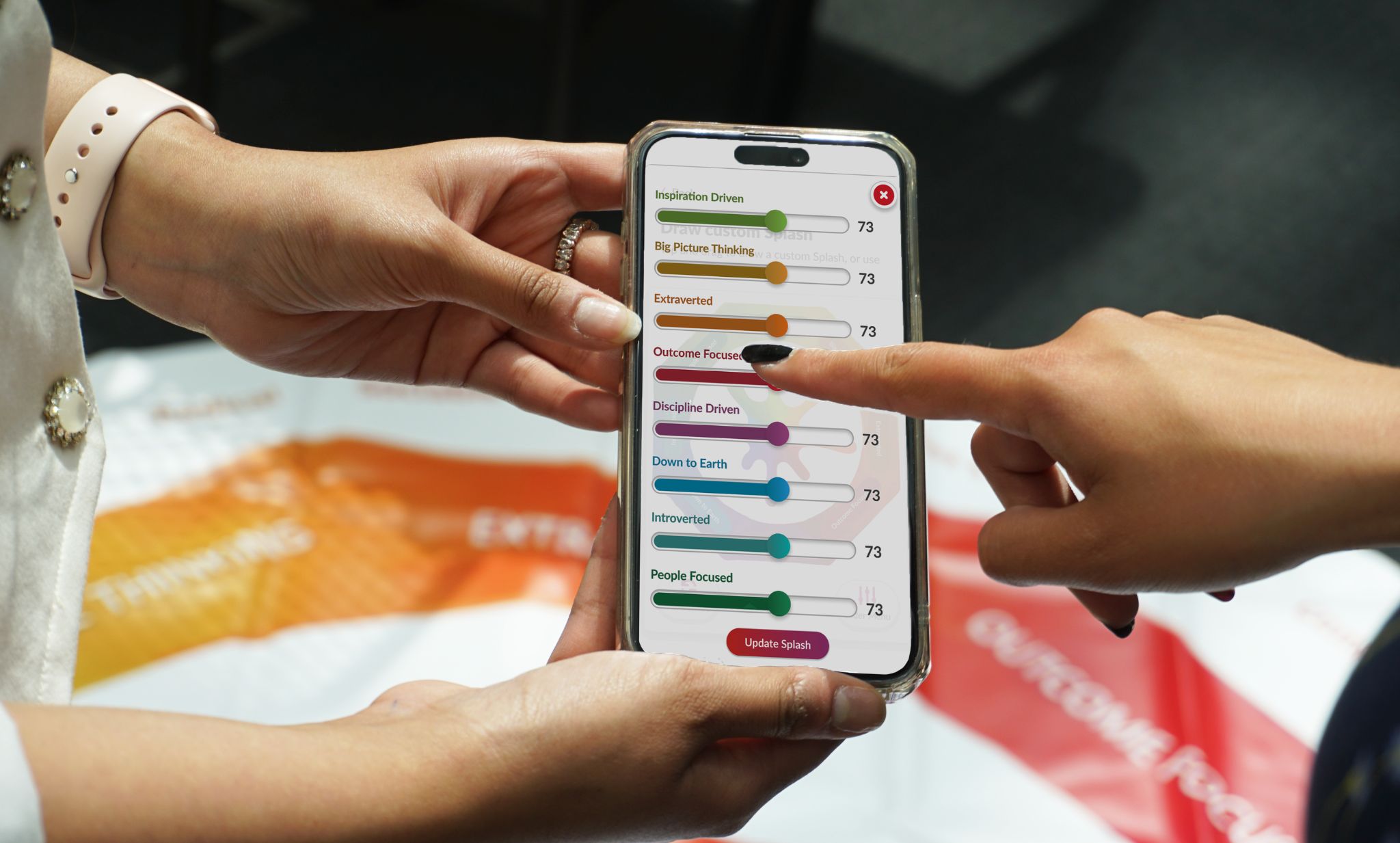
Using sliders to intuitively set behavioural scores, practitioners can create a personalised behavioural style focused on any key learning points they want to explore in a session. They can do this in real time, guiding workshop participants or a coachee through an interactive conversation that brings behavioural adaptation to life.
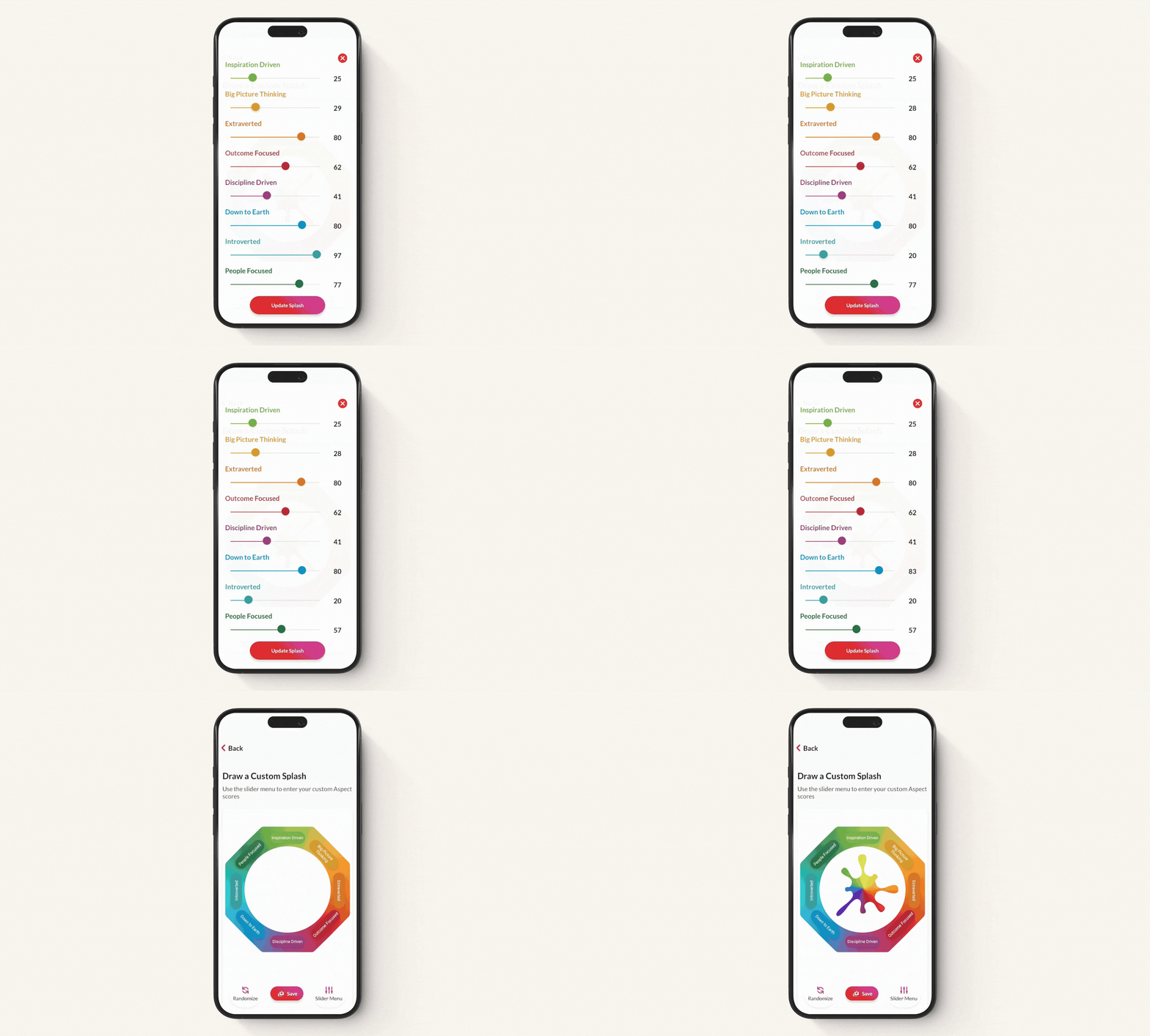
Using Draw a Custom Splash in development workshops warms up behavioural thinking early on. Rather than staying in listening mode, teams and leaders immediately start building a common language to discuss behaviour together. This playful exploration helps people practically understand the connection between behaviour and performance outcomes, before having to apply insights to their own behavioural styles.
Learning points transfer quicker, and the psychological safety needed for deeper discussions around how to adapt more effective behaviours in their own styles and roles is created sooner. Leaving more time to embed learning in sessions so the impact is seen in the workplace.
For a detailed exploration of the Draw a Custom Splash feature, you can watch this video
Interactive exercises that get teams and leaders exploring and discussing behaviour together
Here are two interactive exercises that get people talking with a common language to explore the impact and perception of behaviour using the Draw a Custom Splash feature.
1. Get behavioural conversations flowing quickly
One of the most effective ways to use the Draw a Custom Splash feature is at the start of a session.
Research shows that teams with high levels of psychological safety are more likely to engage in open communication, constructive feedback, and knowledge-sharing. If people feel their behaviour may be judged negatively or learning feels abstract, they may hold back from openly discussing behaviour with their team.
This interactive exercise helps to establish psychological safety early on in workshops, so teams can discuss behaviour practically without judgement.
Example exercise:
Choose a public figure that everyone is familiar with. With the Draw a Custom Splash feature, use the sliders to draw their perceived personality based on the group’s answers to these example questions:
- How much of each Aspect do you think they have in their personality and why?
- If you had to describe their natural strengths in three words, what would they be?
- Do they appear more People Focused or Outcome Focused?
- Which behaviours might they be “dialling up” to be effective at work?
Once, you’ve drawn a custom Splash of the public figure’s personality, open the conversation around the impact of behaviour with questions like these:
- Where might their behavioural style create challenges in their work?
- What behaviours could others find difficult when working with them?
- How might their strengths be perceived negatively in those situations?
- How could opposite behaviours in their style be causing internal tension?
This interactive exercise allows people to explore an imaginative personality together, helping them practically connect the dots between behaviour and outcomes, before exploring their own styles.
2. Build personalised scenarios around learning points
Another powerful way to use Draw a Custom Splash is to build personalised scenarios that bring key learning points to life.
Whether you want to explore how behaviour shifts under pressure, highlight the inner tension created by opposite strengths, or illustrate how developing a specific behaviour could improve effectiveness in a situation, Draw a Custom Splash allows you to quickly visualise that scenario and open a focused, practical conversation around it.
Example exercise:
Using the Draw a Custom Splash feature in the Lumina Splash app, adjust the sliders to create a behavioural style aligned with the learning objective. Show the custom Splash to workshop participants and guide the discussion with questions such as:
- How might this person approach this specific scenario?
- What strengths would help them succeed?
- What behaviours could they develop to be more effective in this situation?
- If you had to work with this person, what behaviours would you want to dial up or dial down to support them?
Rather than describing what “adaptability” or “collaboration” may look like, this interactive exercise brings real-work situations to life and playfully demonstrates how people and teams can adapt their behaviour to be more effective in that situation.
Learning becomes tangible to what they experience in their roles and they’re practically seeing how behavioural adaptation and development can support their work, shortening the gap between concept, application and impact.
This can be paired with the Share and Compare feature in the Lumina Splash app. Overlay two behavioural styles you have created with Draw a Custom Splash to compare them. Deepen the conversation around how different styles may clash, opportunities in opposite strengths to complement each other and how to adapt to work better together.
Experience the interactive features of the Lumina Splash app with your own Taster Splash
Give your people, teams and leaders a highly engaging, interactive way to explore and understand the impact and perception of their behaviour together.
Download the Lumina Splash app from the Google Play Store or App Store and explore the interactive features with your own Taster Splash now.

Curious how Lumina Learning could help your organisation?
Contact us below to learn more